Vimeo Thumbnail Downloader
Download the thumbnail of any public Vimeo video in Full HD, HD or SD. Paste the link and save the image in one click. Free, no sign-up.
- Full HD
- Free
- No Login
Only download content you own or have permission to use. We don't host any files.
How to Download a Vimeo Thumbnail
- Step 1
Copy the link
Open Vimeo, find the video you want, tap Share and choose Copy Link.
- Step 2
Paste it above
Paste the link into the box at the top of this page and press Get Thumbnail.
- Step 3
Save to your device
Choose the quality you want and save the thumbnail to your phone or computer.
Vimeo Thumbnail Downloader: Key Facts
Thumbnail Downloader is a free Vimeo thumbnail downloader at anyvideodownloaders.com. It reads the cover image of any public Vimeo video through Vimeo’s official oEmbed service.
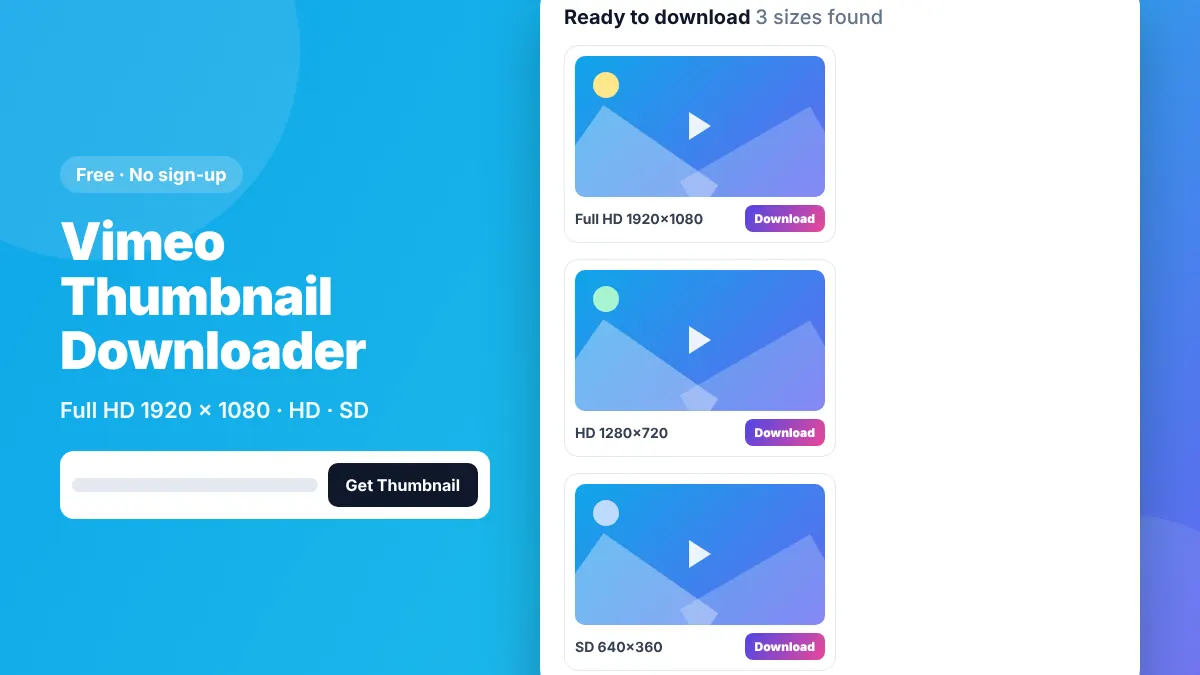
- Sizes: 1920 × 1080 (Full HD), 1280 × 720 (HD) and 640 × 360 (SD).
- Source: Vimeo’s public oEmbed API, the same data Vimeo shares with embed tools.
- Limits: private, password-protected and embed-disabled videos can’t be read.
- Format: JPG.
- Cost and access: free, no Vimeo login, no account with us.
Last updated: November 27, 2026
Vimeo Thumbnail Downloader in Full HD
Vimeo doesn’t give you a button to save a video’s cover image. Our Vimeo thumbnail downloader, also called a Vimeo thumbnail grabber, reads it through Vimeo’s official oEmbed service and gives it to you in three sizes, up to 1920 × 1080. It’s handy for portfolios, case studies, blog posts and presentations where you want a sharp preview of a Vimeo film.
| Size | Resolution | Best for |
|---|---|---|
| Full HD | 1920 × 1080 | Portfolios and large headers |
| HD | 1280 × 720 | Blog posts and slides |
| SD | 640 × 360 | Previews and emails |
The Vimeo thumbnail downloader asks Vimeo for each size directly. Vimeo resizes the same cover image to each of these sizes. If the original upload was smaller than 1920 × 1080, the Full HD version is scaled up, so the HD size may look just as sharp.
Find a Vimeo Thumbnail URL
Need the direct image link instead of the file, for example to use in an email template or a CMS? Get the thumbnails with the tool above, then right-click the image (or press and hold it on a phone) and choose Copy image address. That gives you the Vimeo thumbnail URL for the size you picked.
Why Use Our Vimeo Thumbnail Grabber?
Up to 1920 × 1080
Get a sharp Full HD cover, plus smaller sizes for every use.Official Source
We read thumbnails through Vimeo’s own embed service.Fast
Paste a link and the images appear in seconds.No Account
No Vimeo login and no sign-up with us.Any Device
Works in every modern browser on phone and desktop.Free
No limits for normal use and no hidden fees.Which Vimeo Links Work?
- Public videos. Links like vimeo.com/123456789 work straight away.
- Channel and showcase videos. Paste the link to the video itself, not the channel page.
- Private videos. Password-protected and private videos can’t be read.
- Embedding turned off. If the owner blocked embedding, Vimeo won’t share the thumbnail.
Vimeo Thumbnail Size Tips
If you’re choosing a thumbnail for your own Vimeo video, use the same shape as your video, which is usually 16:9. A 1920 × 1080 image looks crisp on large screens and is scaled down cleanly everywhere else. Run a few Vimeo Staff Picks through the Vimeo thumbnail downloader above to see how professional filmmakers frame theirs.
Who Uses a Vimeo Thumbnail Downloader?
- Filmmakers and agencies adding project covers to a portfolio or a pitch deck.
- Course creators who host lessons on Vimeo and need preview images for a course page.
- Marketers building email campaigns that link to a Vimeo video with a clickable image.
- Editors and writers illustrating a review or interview with a credited still.
Whatever the job, the Vimeo thumbnail downloader gives you a clean JPG in the size you need, without screenshots or cropping.
How to Change a Thumbnail on Vimeo
If the image you downloaded isn’t the one you want viewers to see, you can change it in Vimeo. Open the video’s settings, find the thumbnail section, then either pick a frame from the video’s timeline or upload your own JPG or PNG image. Vimeo suggests using an image with the same resolution and shape as your video, which for most videos means 16:9.
- Pick a frame when the perfect shot is already in the video.
- Upload an image when you want branded text or a designed cover.
- Check the result by running your video through the Vimeo thumbnail downloader again after saving.
Vimeo also uses your thumbnail as the preview image when the video link is shared on social networks and in chat apps, so it is worth getting right.
More Free Thumbnail Downloaders
YouTube Thumbnail Downloader
Save any YouTube thumbnail in HD 1280 × 720, SD or HQ, plus the original-shape image.
Try nowVimeo Thumbnail Guides
- How to Download a YouTube Thumbnail in HD (3 Easy Ways)Copy the video's link, paste it into a YouTube thumbnail downloader, pick the HD 1280 × 720 size…
- YouTube Thumbnail Size 2026: Dimensions, Ratio and File LimitsYouTube recommends uploading video thumbnails at 3840 × 2160 pixels (16:9) and Shorts thumbnails at 2160 × 3840…
Frequently Asked Questions
Can't find your answer? Send us a message from the Contact page.
Is this Vimeo thumbnail downloader free?
Yes. It’s free, with no sign-up and no watermark.
Can I get the thumbnail of a private Vimeo video?
No. Only public videos that allow embedding can be read.
What is the largest size I can download?
Up to 1920 × 1080. If the original upload was smaller, the image may be scaled up.
How do I get the Vimeo thumbnail URL?
Load the thumbnails with the tool, then right-click the size you want and choose Copy image address.
Can I use the thumbnail on my website?
The image belongs to the video’s owner. Use it with credit for reviews or commentary, or ask the owner for permission.
Do you store the images?
No. Images load straight from Vimeo’s servers to your device.
Does Vimeo have an API for thumbnails?
Yes. Vimeo’s oEmbed endpoint returns a thumbnail URL for public videos that allow embedding. This tool uses it and requests the larger sizes for you.
What size should a Vimeo thumbnail be?
Use the same shape and resolution as your video. For a 16:9 video, 1920 × 1080 is a safe choice.