YouTube Thumbnail Downloader
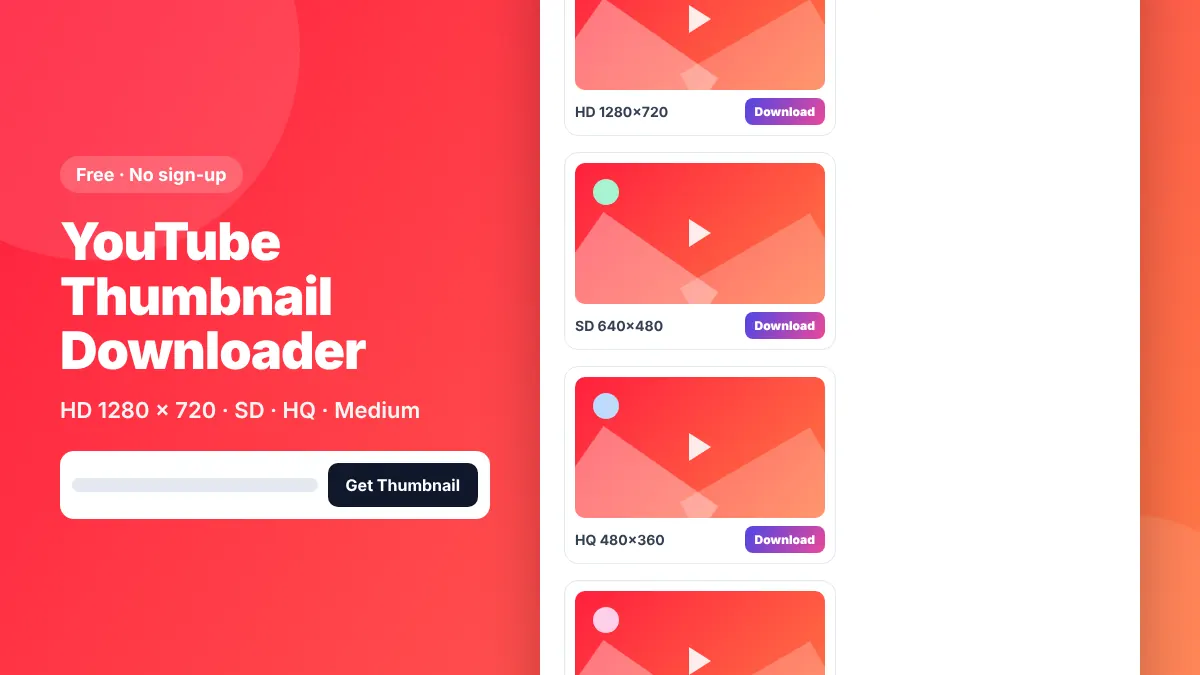
Download the thumbnail of any YouTube video, Short or live stream in HD. Paste the link and save the image in one click. Free, no sign-up.
- HD 1280 × 720
- Free
- No Login
Only download content you own or have permission to use. We don't host any files.
How to Download a YouTube Thumbnail
- Step 1
Copy the link
Open YouTube, find the video you want, tap Share and choose Copy Link.
- Step 2
Paste it above
Paste the link into the box at the top of this page and press Get Thumbnail.
- Step 3
Save to your device
Choose the quality you want and save the thumbnail to your phone or computer.
YouTube Thumbnail Downloader: Key Facts
Thumbnail Downloader is a free YouTube thumbnail downloader at anyvideodownloaders.com. It turns any YouTube link into the full set of thumbnail images YouTube serves publicly.
- Largest public size: 1280 × 720 (maxresdefault), available for HD uploads.
- Other sizes: 640 × 480 (sddefault), 480 × 360 (hqdefault), 320 × 180 (mqdefault).
- Links supported: watch, youtu.be, Shorts, live, embed, mobile links and bare 11-character video IDs.
- Format: JPG, downloaded straight from YouTube’s image servers.
- Cost and access: free, no account, works in any browser.
Last updated: November 27, 2026
YouTube Thumbnail Downloader for HD Images
Every YouTube video has a thumbnail, and YouTube stores it in several sizes. Our YouTube thumbnail downloader finds all of them from one link, so you can pick the sharp HD version for a blog header or slide, or a smaller one for a quick preview. It works as a YouTube thumbnail grabber and viewer in one: paste the URL, see every size side by side and download the one you want as a JPG.
| Size name | Resolution | Best for |
|---|---|---|
| HD (maxresdefault) | 1280 × 720 | Blog headers, slides, design reference |
| SD (sddefault) | 640 × 480 | Social posts and documents |
| HQ (hqdefault) | 480 × 360 | Link previews |
| Medium (mqdefault) | 320 × 180 | Lists and small cards |
The YouTube thumbnail downloader checks each size before showing it. YouTube only makes the 1280 × 720 version when the video or its custom thumbnail is in HD. For older or low-resolution uploads, the tool shows the largest size that exists instead of a blank grey image.
Get a YouTube Thumbnail From a URL
Every common YouTube link works. That includes youtube.com/watch?v=…, short youtu.be/… links, youtube.com/shorts/…, youtube.com/live/…, embed links and mobile m.youtube.com links. You can even paste just the 11-character video ID. Extra parts such as timestamps or playlist IDs are ignored.
- YouTube Shorts: paste the Shorts link to get its thumbnail. For the vertical 9:16 cover, use the YouTube Shorts thumbnail downloader.
- Live streams: paste the link of a live or finished stream to save its thumbnail like any other video.
- Unlisted videos: if you have the link, the thumbnail can be read. Private videos can’t.
Why Use Our YouTube Thumbnail Grabber?
HD Quality
Get the original 1280 × 720 thumbnail whenever YouTube has one, plus every smaller size.Instant Results
Paste a link and every size appears in about a second.Any YouTube Link
Videos, Shorts, live streams, youtu.be links and plain video IDs all work.No Sign-Up
No account, no app and no browser extension. Just paste and save.Works Everywhere
Use it on iPhone, Android, Windows, Mac or Chromebook.Private and Safe
Images load straight from YouTube. We don’t keep your links or the files.YouTube Thumbnail Size and Dimensions
There are two different numbers to know. The first is the size you upload: YouTube Help now recommends 3840 × 2160 pixels for video thumbnails and 2160 × 3840 for Shorts, at least 640 pixels wide (or tall for Shorts), as a JPG or PNG. Desktop uploads can be up to 50 MB, so 4K thumbnails look sharp on TVs. The second is the size you can download from a public video: the YouTube thumbnail downloader gets the largest public copy, which is 1280 × 720.
- Keep text short. Three to five big words stay readable on a phone screen.
- Use strong contrast. Bright subjects on darker backgrounds stand out in search results.
- Check it small. Look at your design at 320 × 180, the size many viewers see first.
| Upload (your own video) | Download (public copy) | |
|---|---|---|
| Video thumbnail | 3840 × 2160 recommended, 16:9 | Up to 1280 × 720 |
| Shorts thumbnail | 2160 × 3840 recommended, 9:16 | Original frame + up to 1280 × 720 |
| Formats | JPG or PNG | JPG |
| Max file size | Up to 50 MB from a computer | Usually under 300 KB |
YouTube Thumbnail Downloader vs a Screenshot
A screenshot of a paused video looks like the thumbnail, but it isn’t. Custom thumbnails are separate images that often never appear in the video at all, and screenshots also catch the player controls, captions and your screen’s scaling. The YouTube thumbnail downloader gives you the exact image the creator uploaded, at the size YouTube serves it.
| YouTube thumbnail downloader | Screenshot | |
|---|---|---|
| Exact custom thumbnail | Yes | No, only a video frame |
| Player buttons in the image | No | Often |
| Consistent size | Fixed sizes up to 1280 × 720 | Depends on your screen |
| Works on a phone | Yes | Yes, but needs cropping |
How YouTube Thumbnail URLs Work
Every public YouTube video has its thumbnails at predictable addresses on YouTube’s image server, built from the 11-character video ID: https://i.ytimg.com/vi/VIDEO_ID/maxresdefault.jpg for the 1280 × 720 version, and sddefault.jpg, hqdefault.jpg or mqdefault.jpg for the smaller ones. The YouTube thumbnail downloader reads the ID from any link, checks which of these files exist and shows only the real ones, so you never save YouTube’s grey placeholder image by mistake.
Is It Safe to Use a YouTube Thumbnail Downloader?
Yes. This YouTube thumbnail downloader only reads the public image files that YouTube already shows to everyone in search results and embeds. It doesn’t ask for your Google account, doesn’t install anything and doesn’t keep a history of the links you paste.
What you do with the image is up to you. Saving a thumbnail for research, a mood board or a credited review is common. Re-uploading someone else’s thumbnail as your own, or using it in ads, can break copyright rules, so ask the creator first.
Why Creators Download YouTube Thumbnails
- Study what works. Save thumbnails from top videos in your niche and compare colors, faces and text.
- Recover your own artwork. Lost the original file of a thumbnail you made? Paste your video into the YouTube thumbnail downloader and get it back.
- Write about a video. Use the thumbnail as a preview image in a review, news story or newsletter, with credit to the creator.
- Plan your next design. Build a mood board of references before you open Canva or Photoshop.
More Free Thumbnail Downloaders
YouTube Thumbnail Guides
- How to Download a YouTube Thumbnail in HD (3 Easy Ways)Copy the video's link, paste it into a YouTube thumbnail downloader, pick the HD 1280 × 720 size…
- YouTube Thumbnail Size 2026: Dimensions, Ratio and File LimitsYouTube recommends uploading video thumbnails at 3840 × 2160 pixels (16:9) and Shorts thumbnails at 2160 × 3840…
Frequently Asked Questions
Can't find your answer? Send us a message from the Contact page.
Is this YouTube thumbnail downloader free?
Yes. It’s completely free, with no sign-up and no watermark on the images.
How do I download a YouTube thumbnail in HD?
Paste the video link above and press Get Thumbnail. Pick the HD 1280 × 720 result, the highest quality YouTube stores, and press Download under it.
Why is there no HD option for my video?
YouTube only creates a 1280 × 720 thumbnail for videos or custom thumbnails uploaded in HD. For older or low-resolution videos, the largest available size is shown instead.
Can I download the thumbnail of a live stream?
Yes. Paste the youtube.com/live/ link or the normal watch link of the stream.
Can I download Shorts thumbnails?
Yes. Paste the Shorts link here, or use our YouTube Shorts thumbnail downloader to get the vertical 9:16 cover as well.
Can I use downloaded thumbnails on my own site?
Thumbnails belong to the video’s creator. Using them for commentary, reviews or news with credit is common, but ask the creator before using one commercially.
Does it work on iPhone and Android?
Yes. The tool works in any mobile browser. On iPhone, tap Download, then press and hold the image and choose Save to Photos.
What is the best YouTube thumbnail size in 2026?
For uploading, YouTube Help recommends 3840 × 2160 pixels for videos and 2160 × 3840 for Shorts, in JPG or PNG. The largest copy you can download from a public video is 1280 × 720.
What does maxresdefault mean?
It is the file name YouTube uses for the largest public thumbnail of a video, 1280 × 720. It only exists when the video or its custom thumbnail was uploaded in HD.