YouTube Shorts Thumbnail Downloader
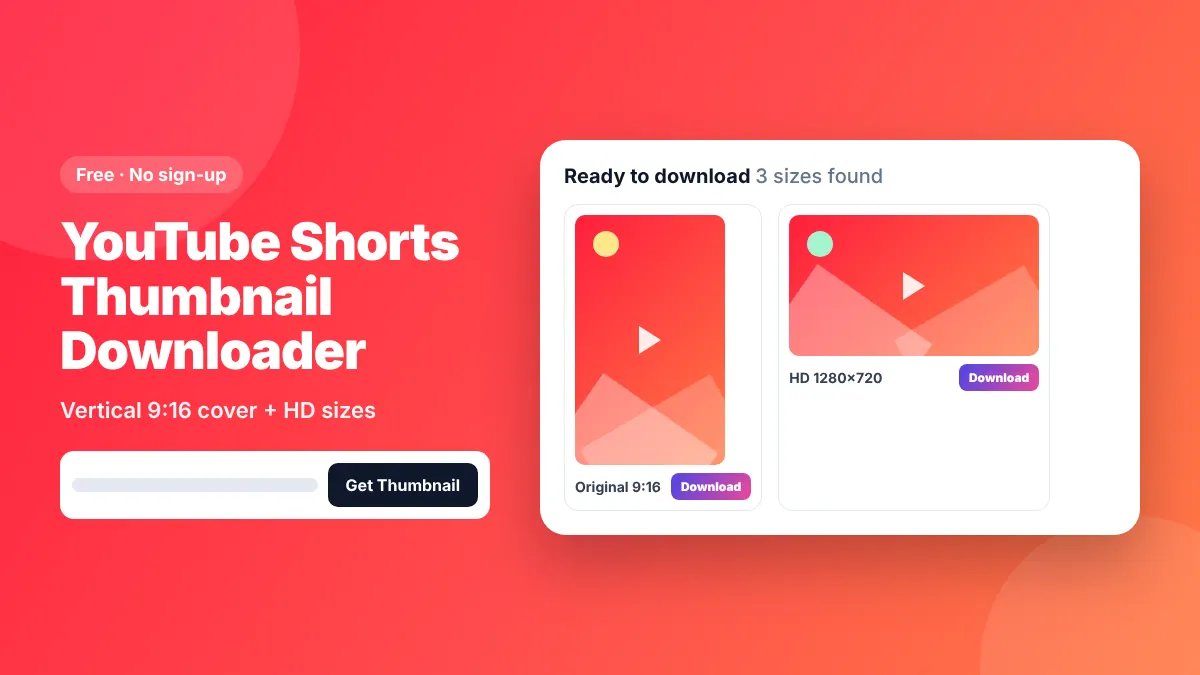
Save the cover image of any YouTube Short, including the vertical 9:16 frame and HD sizes. Paste the Shorts link and download in one click.
- Vertical 9:16
- HD Sizes
- No Login
Only download content you own or have permission to use. We don't host any files.
How to Download a YouTube Shorts Thumbnail
- Step 1
Copy the link
Open YouTube, find the Short you want, tap Share and choose Copy Link.
- Step 2
Paste it above
Paste the link into the box at the top of this page and press Get Thumbnail.
- Step 3
Save to your device
Choose the quality you want and save the thumbnail to your phone or computer.
YouTube Shorts Thumbnail Downloader: Key Facts
Thumbnail Downloader is a free YouTube Shorts thumbnail downloader at anyvideodownloaders.com. It saves the cover of any public Short in its original shape and in the standard YouTube sizes.
- Vertical cover: the original-shape frame (9:16 for Shorts) when YouTube keeps one.
- Standard sizes: 1280 × 720, 640 × 480 and 480 × 360 when available.
- Links supported: youtube.com/shorts/ links from the app or a browser.
- Upload size for creators: YouTube recommends 2160 × 3840 (9:16) for a custom Shorts thumbnail.
- Cost and access: free, no account, no watermark.
Last updated: November 27, 2026
YouTube Shorts Thumbnail Downloader With 9:16 Covers
Shorts are filmed tall, but most thumbnail tools only give you the wide 16:9 image with black bars on the sides. Our YouTube Shorts thumbnail downloader also finds the original vertical 9:16 frame that YouTube keeps for many Shorts, so you get a clean, full-height cover. Paste a youtube.com/shorts/… link and you’ll see the vertical cover next to the standard HD and SD sizes.
| Size | Shape | Best for |
|---|---|---|
| Vertical | 9:16 original frame | Stories, pins, Shorts covers |
| HD | 1280 × 720 | Blog posts and slides |
| SD / HQ | 640 × 480 / 480 × 360 | Previews and link cards |
The YouTube Shorts thumbnail downloader checks each image before showing it. YouTube doesn’t create every size for every Short. If the vertical frame or the HD size doesn’t exist for a video, the tool simply leaves it out.
Why Use Our Shorts Thumbnail Downloader?
Vertical 9:16
Get the full-height cover without black bars when YouTube has it.Every Size
HD, SD, HQ and medium sizes from one link, so you can pick the right one.Fast
Paste a Shorts link and the images appear in about a second.No Sign-Up
No account, no app and no extension needed.Phone Friendly
Copy the link in the YouTube app and save the cover on the same phone.Free
Download as many Shorts thumbnails as you need.How to Copy a YouTube Shorts Link
- In the YouTube app: open the Short, tap Share, then Copy link.
- On a computer: open the Short and copy the address from the browser bar. It looks like
youtube.com/shorts/followed by 11 characters. - From a channel page: open the Shorts tab, play the Short and copy its link.
Shorts Thumbnails Explained
For Shorts, YouTube usually picks a frame from the video as the cover, and creators can choose a different frame when they upload. In the feed, Shorts are shown as tall cards. According to YouTube Help, if you add a wide 16:9 custom thumbnail to a vertical video, YouTube may swap it for an automatic 4:5 version on the home, Explore and Subscriptions pages. That’s why the vertical frame is often the best image to save if you want to see a Short the way viewers do.
When to Use the YouTube Shorts Thumbnail Downloader
- Repurposing a Short: use the vertical cover as the first frame of a Reel, Story or Pin.
- Planning a series: save covers from your past Shorts to keep colors and text style consistent.
- Competitor research: collect covers of top Shorts in your niche and compare what makes people stop scrolling.
- Lost files: the YouTube Shorts thumbnail downloader gets back a cover you no longer have on your phone.
Every result opens as a normal JPG, so you can edit it in any photo app afterwards. If you need the cover of a regular video, our YouTube thumbnail downloader works the same way.
Can You Upload a Custom Thumbnail for a Short?
For years Shorts creators could only pick a frame from the video. In July 2026 YouTube announced that creators in the YouTube Partner Program can upload a fully custom Shorts thumbnail in YouTube Studio on a computer, with the feature reaching more creators over time. Everyone else can still choose a frame during upload or later in the YouTube app.
Whichever way a cover was made, the YouTube Shorts thumbnail downloader saves the version YouTube is serving now, so you can check how your cover looks or recover it later.
| Option | Who can use it | Where |
|---|---|---|
| Pick a frame from the Short | All creators | YouTube app or YouTube Studio |
| Upload a custom image | YouTube Partner Program creators (rolling out) | YouTube Studio on a computer |
| Download the current cover | Anyone | This YouTube Shorts thumbnail downloader |
More Free Thumbnail Downloaders
YouTube Thumbnail Downloader
Save any YouTube thumbnail in HD 1280 × 720, SD or HQ, plus the original-shape image.
Try nowShorts and YouTube Thumbnail Guides
- How to Download a YouTube Thumbnail in HD (3 Easy Ways)Copy the video's link, paste it into a YouTube thumbnail downloader, pick the HD 1280 × 720 size…
- YouTube Thumbnail Size 2026: Dimensions, Ratio and File LimitsYouTube recommends uploading video thumbnails at 3840 × 2160 pixels (16:9) and Shorts thumbnails at 2160 × 3840…
Frequently Asked Questions
Can't find your answer? Send us a message from the Contact page.
Is this YouTube Shorts thumbnail downloader free?
Yes. It’s free, with no sign-up and no watermark.
Why don't I see a vertical size?
YouTube doesn’t keep a vertical frame for every Short. When it isn’t available, you can still download the HD and SD sizes.
Why is there no HD size for my Short?
YouTube doesn’t create every size for every video. The tool only shows sizes that actually exist.
Can I use a normal YouTube video link here?
Yes. Any YouTube link works, but for regular videos our YouTube thumbnail downloader page has more tips on sizes.
Can I use the thumbnail in my own content?
The image belongs to the Short’s creator. Use it with credit for reviews or commentary, or ask for permission first.
What size is a YouTube Shorts thumbnail?
YouTube recommends uploading Shorts thumbnails at 2160 × 3840 pixels in a 9:16 shape. Public copies you download are smaller, such as the original frame and 1280 × 720.
Can everyone upload custom Shorts thumbnails?
Not yet. YouTube started with creators in the YouTube Partner Program in 2026 and is expanding over time. Other creators can choose a frame from their Short.