Dailymotion Thumbnail Downloader
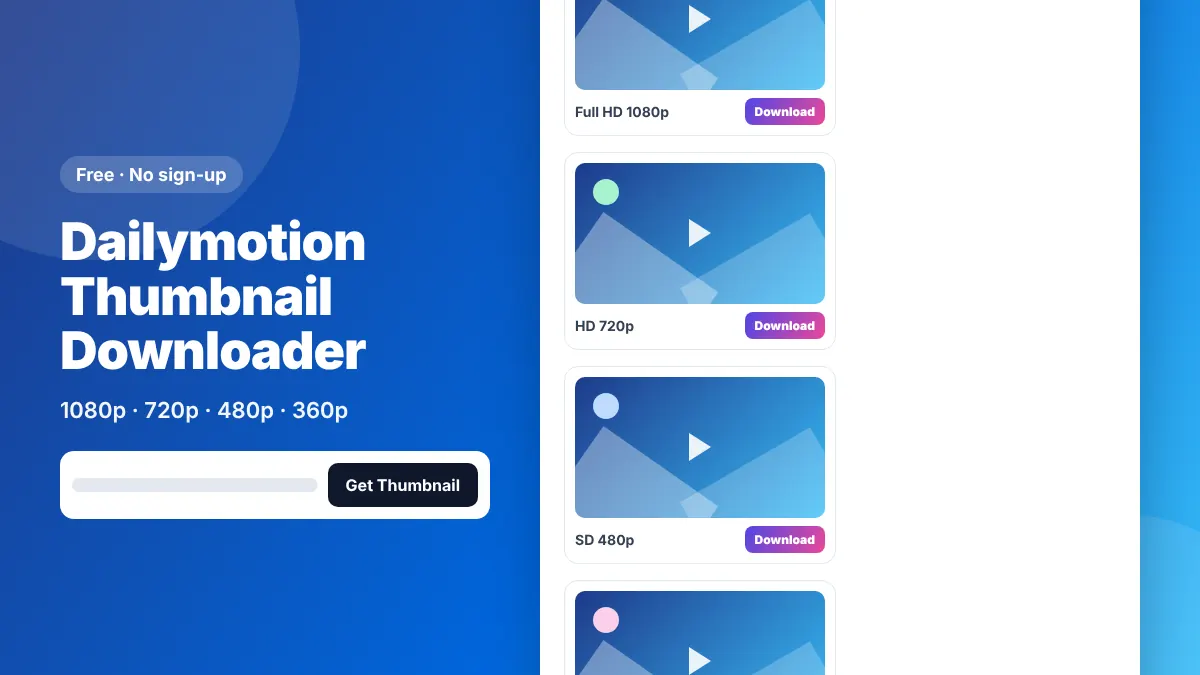
Download the thumbnail of any public Dailymotion video in Full HD, HD or SD. Paste the link, pick a size and save. Free, no sign-up.
- Full HD
- Free
- No Login
Only download content you own or have permission to use. We don't host any files.
How to Download a Dailymotion Thumbnail
- Step 1
Copy the link
Open Dailymotion, find the video you want, tap Share and choose Copy Link.
- Step 2
Paste it above
Paste the link into the box at the top of this page and press Get Thumbnail.
- Step 3
Save to your device
Choose the quality you want and save the thumbnail to your phone or computer.
Dailymotion Thumbnail Downloader: Key Facts
Thumbnail Downloader is a free Dailymotion thumbnail downloader at anyvideodownloaders.com. It lists every thumbnail size that Dailymotion’s public API reports for a video.
- Sizes: 1080p, 720p, 480p and 360p, named by height.
- Links supported: dailymotion.com/video/… links and dai.ly short links.
- Source: the official public Dailymotion API.
- Shape: the same as the video, usually 16:9; vertical and square videos keep their own shape.
- Cost and access: free, no Dailymotion account needed.
Last updated: November 27, 2026
Dailymotion Thumbnail Downloader for Every Size
Every Dailymotion video has a preview image stored in several sizes. Our Dailymotion thumbnail downloader, also known as a Dailymotion thumbnail grabber, reads them from Dailymotion’s official public API and lists every size that exists, from Full HD down to small previews. Paste a full dailymotion.com link or a short dai.ly link and save the image you need.
| Size | Resolution | Best for |
|---|---|---|
| Full HD | 1080p | Headers and presentations |
| HD | 720p | Blog posts and social posts |
| SD | 480p | Previews |
| Small | 360p | Lists and emails |
Why Use Our Dailymotion Thumbnail Downloader?
Full HD Images
Get the 1080p preview when Dailymotion has one, plus smaller sizes.Official API
Thumbnails come from Dailymotion’s own public API.Short Links Work
Both dailymotion.com and dai.ly links are supported.No Sign-Up
No account needed, here or on Dailymotion.Any Device
Use it on iPhone, Android, Windows or Mac.Free
Free for normal use with no hidden fees.Sizes are listed by height, the same way Dailymotion names them. Most videos are 16:9, so 1080p means 1920 × 1080 pixels. Vertical and square videos keep their own shape, and the Dailymotion thumbnail downloader shows each image exactly as Dailymotion stores it.
How to Copy a Dailymotion Link
- On a computer. Open the video and copy the address from the browser bar.
- In the app. Tap Share, then Copy link.
- Short links. dai.ly links work the same as full links.
- Public videos only. Private videos can’t be read.
Get a Dailymotion Thumbnail for Your Own Video
Lost the original image you uploaded as your video’s cover? Paste your own video link above and save it again in the largest size Dailymotion kept. To change the thumbnail of your video, open it in Dailymotion Studio, edit the video and upload a new custom thumbnail. A 16:9 image of at least 1280 × 720 looks sharp in every size Dailymotion creates.
Why Use a Dailymotion Thumbnail Downloader?
- Better than a screenshot: you get the clean cover image without player buttons or a pause icon on top.
- The right size first time: pick 1080p for a header or 360p for an email, with no resizing.
- Works with short links: paste a dai.ly link straight from the share menu.
- Nothing to install: the Dailymotion thumbnail downloader runs in your browser on any device.
If you work across platforms, the same steps work on our YouTube, Vimeo and Rumble thumbnail tools, so you can collect covers for a whole project in a few minutes.
Tips for Using Dailymotion Thumbnails
Pick the size that matches where the image will appear. A 1080p thumbnail is ideal for a website header or a presentation slide on a large screen. For a blog post, 720p keeps the page fast while still looking sharp. Use 480p or 360p for email newsletters, chat messages and lists, where a small file loads faster.
If you plan to publish the image, add a short credit such as the channel name and a link to the video. It’s polite, it helps readers find the original, and it keeps you on the right side of the creator.
More Free Thumbnail Downloaders
YouTube Thumbnail Downloader
Save any YouTube thumbnail in HD 1280 × 720, SD or HQ, plus the original-shape image.
Try nowDailymotion Thumbnail Guides
- How to Download a YouTube Thumbnail in HD (3 Easy Ways)Copy the video's link, paste it into a YouTube thumbnail downloader, pick the HD 1280 × 720 size…
- YouTube Thumbnail Size 2026: Dimensions, Ratio and File LimitsYouTube recommends uploading video thumbnails at 3840 × 2160 pixels (16:9) and Shorts thumbnails at 2160 × 3840…
Frequently Asked Questions
Can't find your answer? Send us a message from the Contact page.
Is this Dailymotion thumbnail downloader free?
Yes. It’s free, with no sign-up and no watermark.
Why don't I see a Full HD size?
Dailymotion doesn’t store every size for every video. The tool only shows sizes that exist.
Do dai.ly short links work?
Yes. Paste either the full link or the dai.ly short link.
Can I use the thumbnail elsewhere?
The image belongs to the video’s owner. Use it with credit for commentary or reviews, or ask for permission.
Do you keep the images?
No. Images load straight from Dailymotion to your device.
How do I get a Dailymotion thumbnail URL?
Load the video in the tool, then right-click the size you want and choose Copy image address. That is the direct thumbnail URL on Dailymotion’s image server.
Why does 1080p mean 1920 × 1080?
Dailymotion names sizes by height. For a 16:9 video, 1080 pixels tall means 1920 pixels wide. For other shapes the width is different.